Bluets
Make a photo book with photos and text
At foto foto you make a photo book with text: you type a title for the cover and text for the pages, we design the layout, and you review it and order.
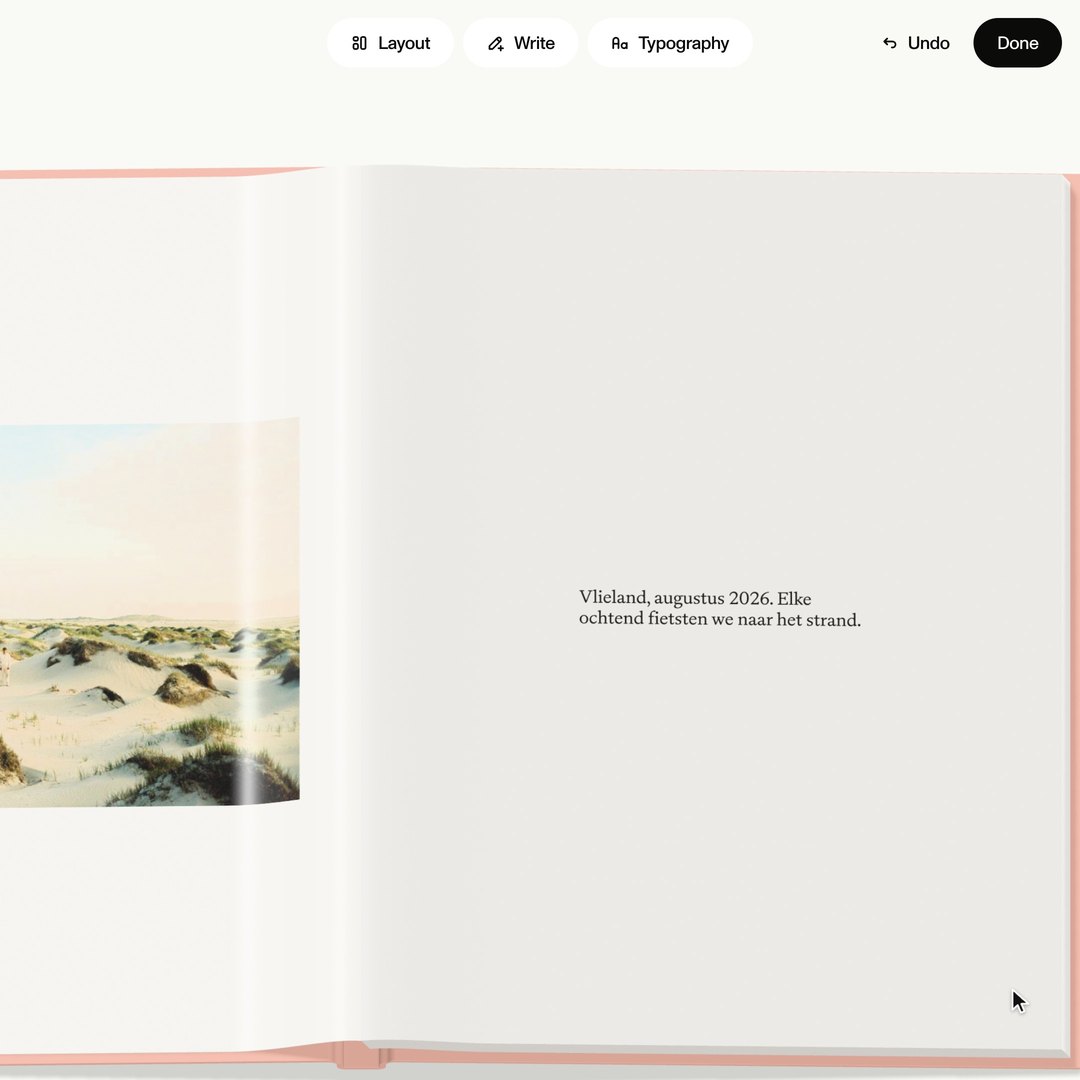
How it works
| You | We | |
|---|---|---|
| 1 | You pick a page and type your text under Write. | We design the layout of the page from your text. |
| 2 | Under Typography you choose the typeface and the size, and under Layout another place for the text. | We change the layout so your text fits. |
| 3 | You review the book and order. | We print the book the way you see it in the editor and send it to you. |
You make your book in the browser, on your phone, tablet and computer.
The title on the cover
On the cover you put the title of your book. You type it in the editor and choose one of our cover designs.
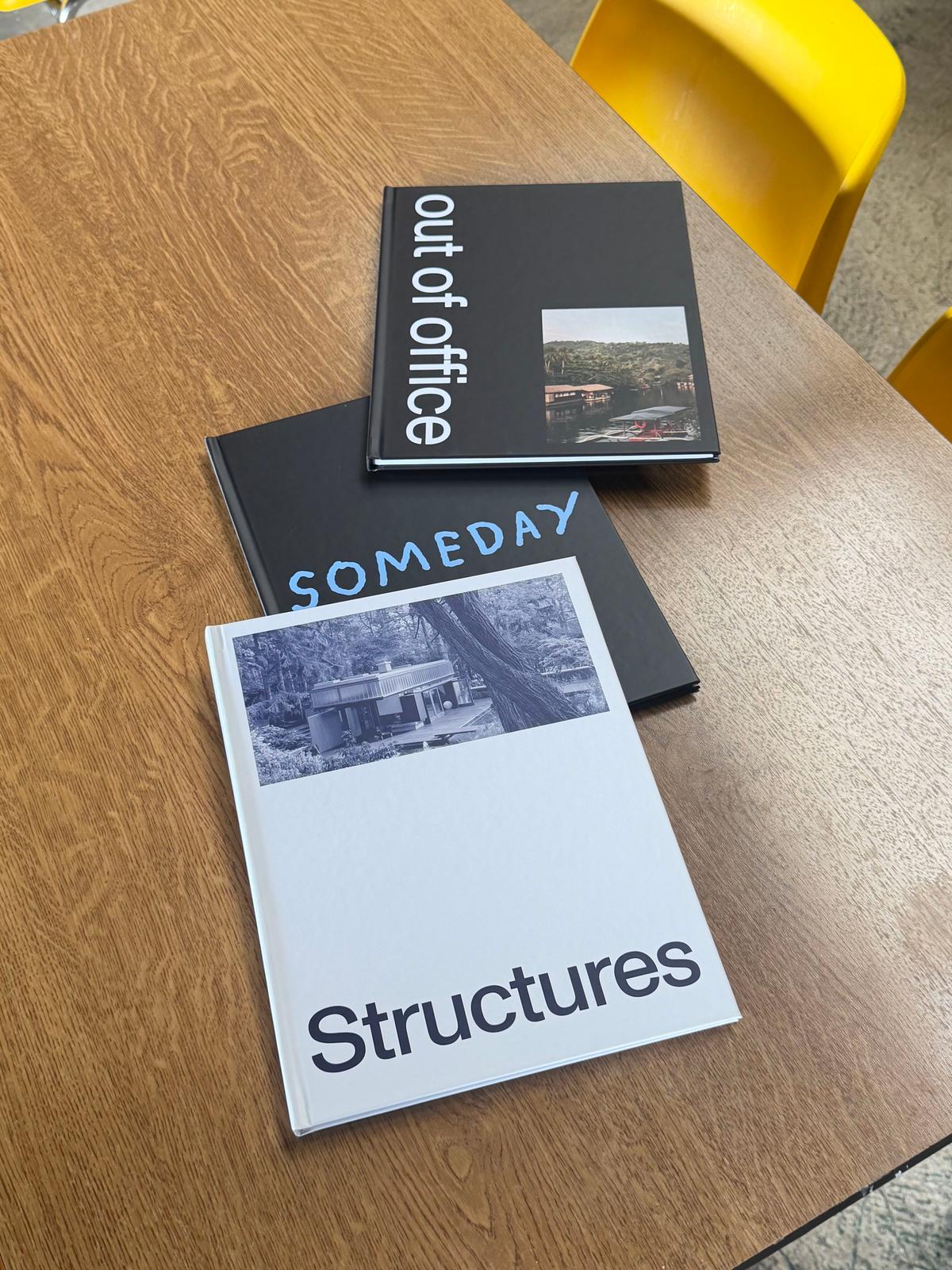
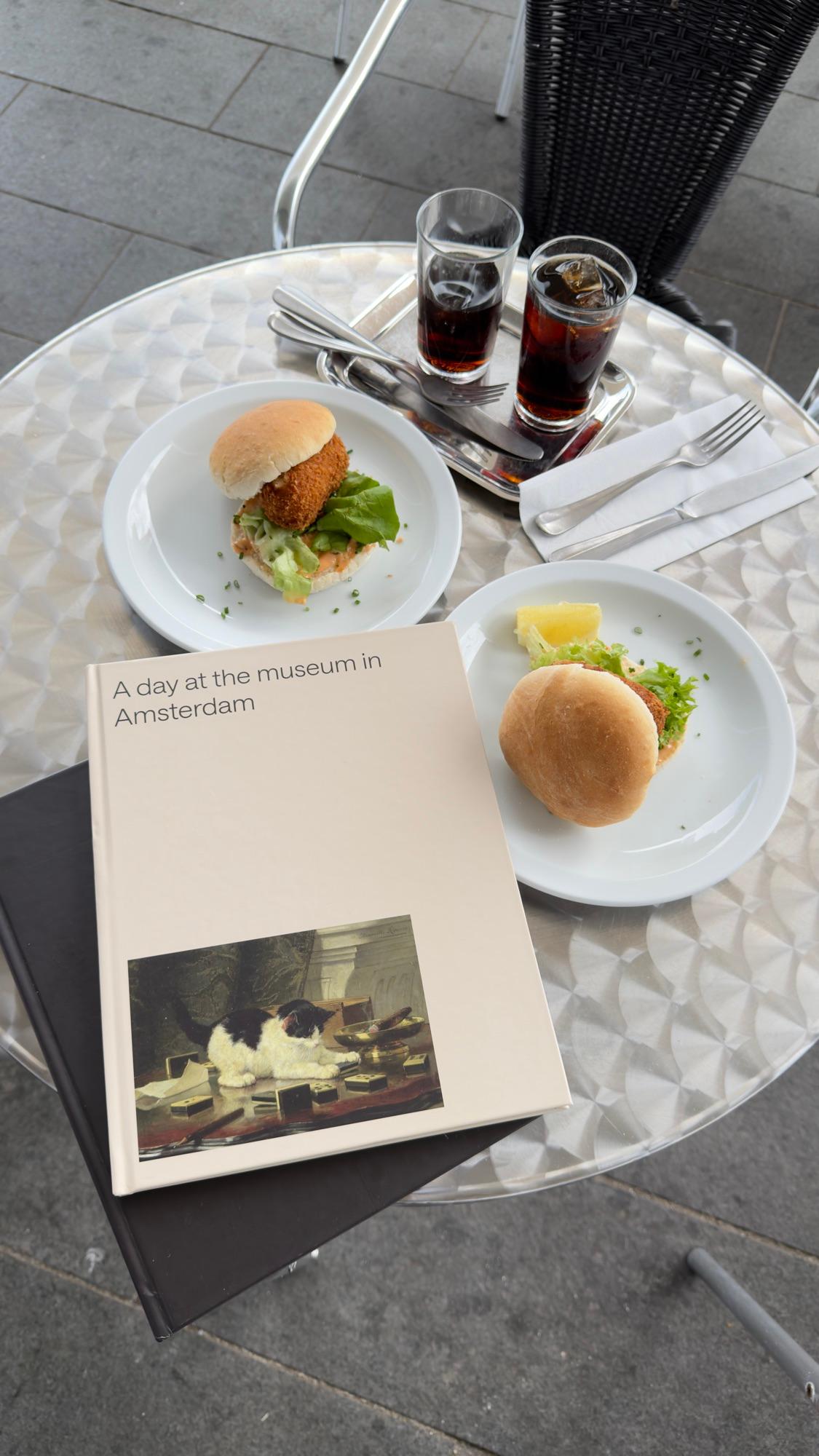
Books other people have made
See allQuestions about text in a photo book
Make your photo book
Add your photos. We make the book.